
CONNECTING MODELS AND ANALYSIS
RoboTeklApp: connect Robot and Tekla
Transfer elements between Autodesk Robot Structural Analysis and Tekla Structures while checking section, material and thickness mappings.
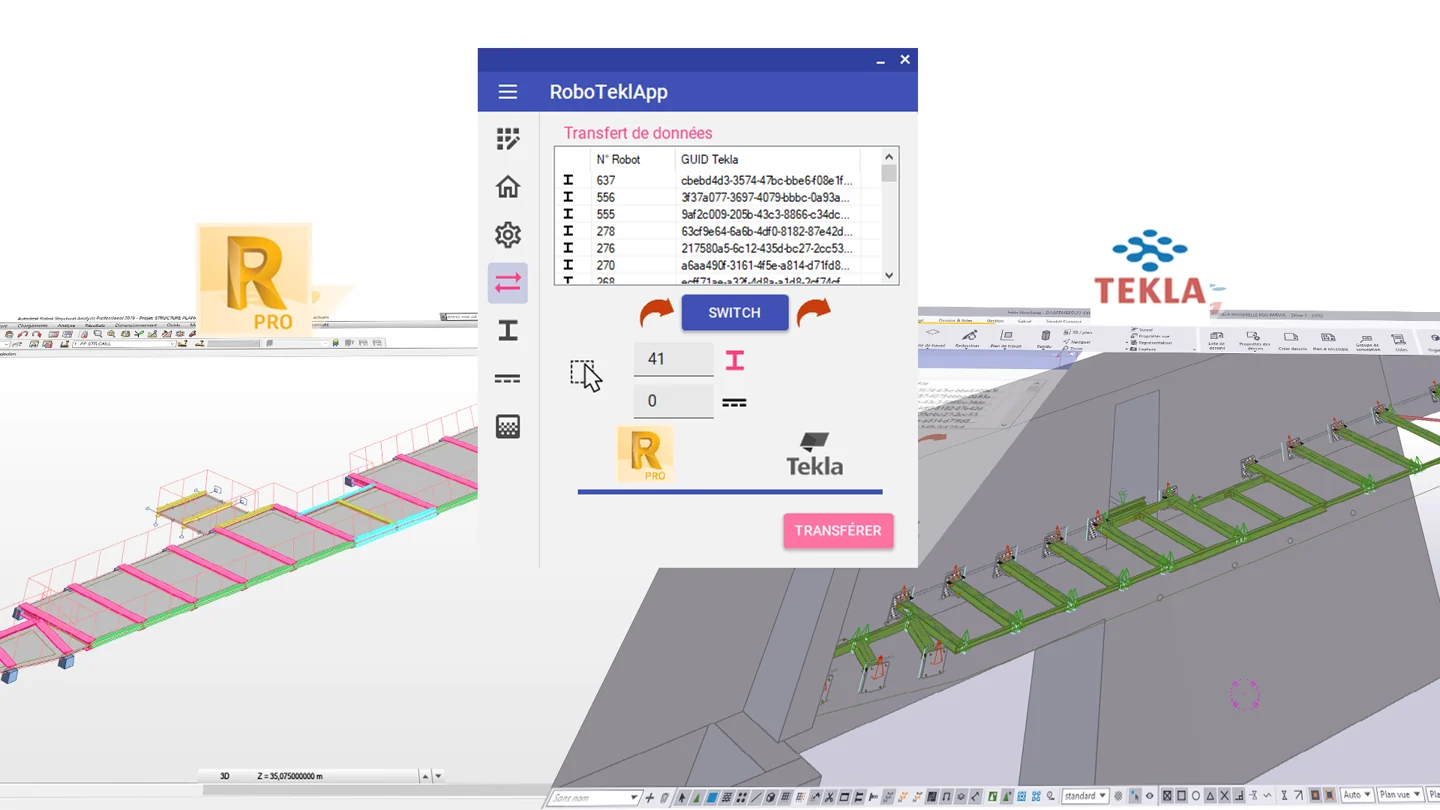
Analytical and physical models
RoboTeklApp is developed by SG Structural Modeling to support exchanges between Robot and Tekla. Users select which elements to transfer and control their mappings.
Transfer in both directions
Start from Robot or Tekla, choose a BIM connection or a simple copy, then analyse the selected elements. The transfer tables help follow their correspondence between models.
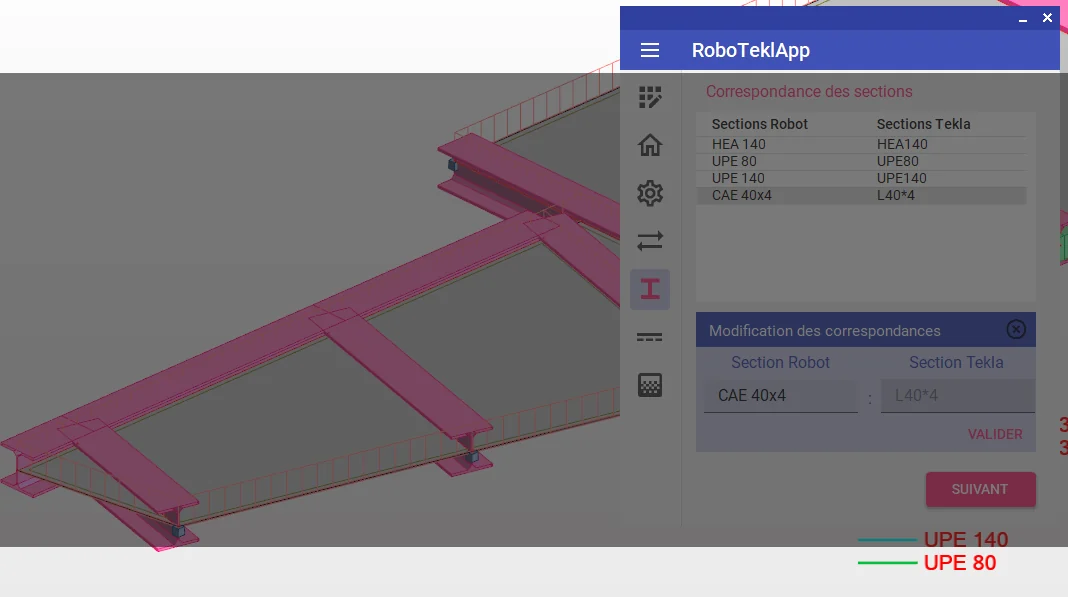
Check mappings before transfer
Section, material and thickness names may differ between applications. Complete the mapping tables before transfer and inspect the result in the destination model.
Installation and licensing
The software runs in a Windows environment with Robot Structural Analysis and Tekla Structures. Contact us with your installed versions to confirm compatibility, installation and current trial or licensing terms.
CONTACT US
Engineering, training or BIM support?
Tell us about your project, training experience or team requirements. Together, we can define a service suited to your needs.